A free tool from Tap5
Free Google Review
QR Code Generator
Turn your Google review link into a QR code and a sign for your counter. Free to create, download and share.
Add your Google review link
Help me find my Google review link
- Sign in to the Google account that manages your business and open your Business Profile.
- Select Read reviews, then Get more reviews.
- Copy the review link and paste it in the box above.
If Google shows “Ask for reviews” instead, open that option to find the sharing link. A link from the Maps share button may open the listing instead of the review form.
Read the step-by-step guideMake the sign yours Optional
Your review link and logo are used only in your browser.
Preview & download
Your business. Your review page.
Paste your Google link to see your QR code and printable sign here.
Know another business that could use this?
Share the free tool. Your business link and logo stay private.
Give customers a choice
A scan for your sign.
A tap for your counter.
Keep your free QR code for menus and posters. Add a Tap5 NFC card where customers already pause, so they can tap a compatible phone to open your Google review page.
- Prepared for your business
- NFC tap + printed QR
- No Tap5 app or subscription
GST included · Free Australia-wide shipping · Cards only
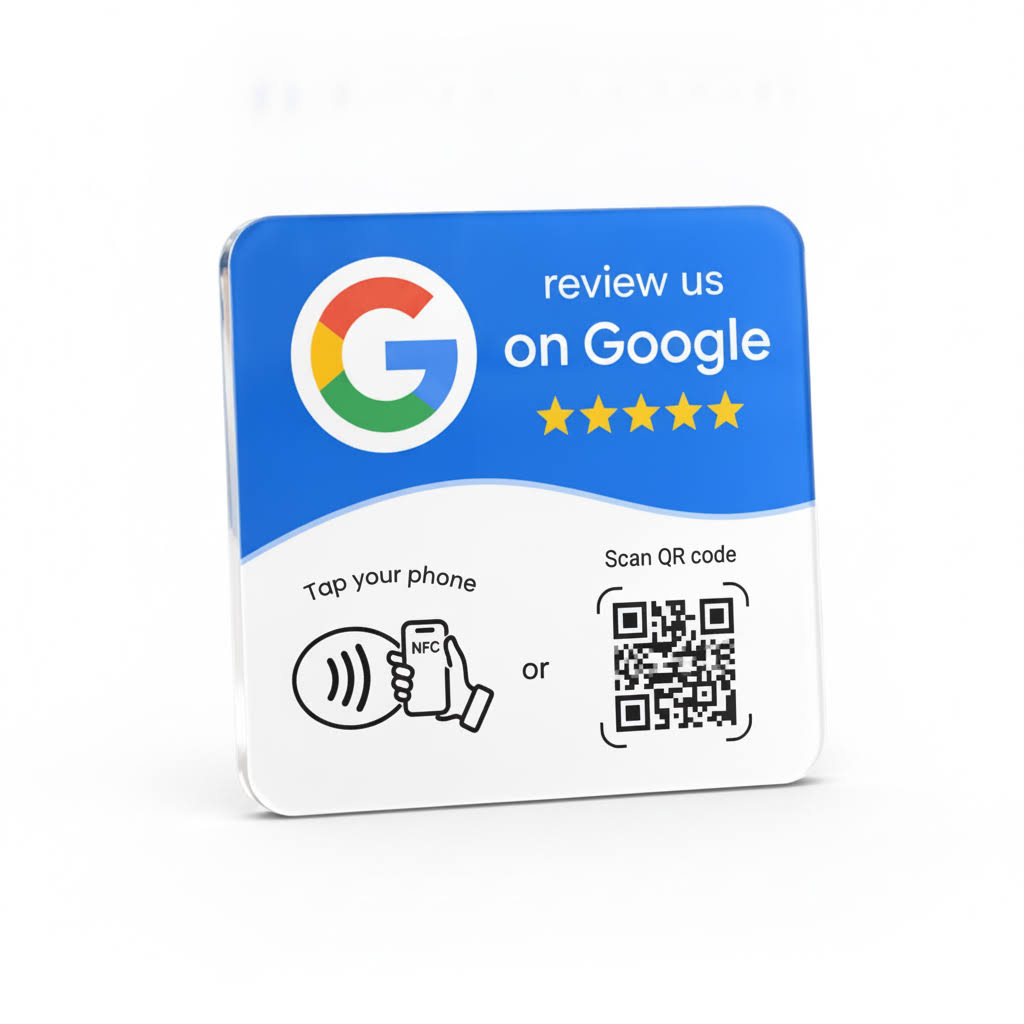
Choose what works at each service point
| At a glance | Free QR code | Tap5 NFC card |
|---|---|---|
| How customers open it | Open their camera and scan | Tap a compatible phone and open its notification |
| Good places to use it | Menus, receipts, posters and screens | Counters, reception and payment points |
| What you receive | Digital QR files and a printable sign | A physical card, programmed for your business |
| Cost | Free | From A$49 once, including GST and Australian shipping |
Both need internet access. Google may ask customers to sign in. Customers choose whether to leave a review and what to write.
Put it to work
A small sign. A simple invitation.
Place it where customers pause after a visit: a café till, restaurant payment point, barber counter or salon reception. Invite every customer to share honest feedback and let them decide.
Before you print
Is this Google review QR code generator free?
Yes. Creating your QR code, downloading PNG or SVG files, and making A4 or A5 PDF signs are free. No account, email address or subscription is required.
Does the QR code expire?
Tap5 does not set an expiry or charge for scans. The QR stores the Google link you supply. It keeps opening that destination while the Google link and business listing remain available.
How do I get my Google review link?
Sign in to the Google account that manages your Business Profile. Select Read reviews, then Get more reviews, and copy the link. Some profiles show Ask for reviews instead. Paste the link in the generator above.
Can I add my logo or use the QR on a menu?
Yes. Add your business name and an optional PNG, JPG or WebP logo for the printable sign. Download the plain QR as PNG for menus, receipts or screens, or SVG for resizing. Keep the white space around the code clear and test the final print.
Will customers need a Google account?
Customers can open the destination link, but Google requires them to sign in to a Google account to leave a review. Scanning a QR code does not submit a review automatically.
What is the difference between this free QR code and Tap5 NFC?
A QR code is opened with a phone camera. A Tap5 NFC card lets a customer tap a compatible phone and open its notification. Tap5 is a physical product with business-listing setup and support; it also includes a printed QR code. Both methods lead to the review page and customers choose whether to review.
Google’s guide: Create a review link or QR code. Tap5 is independent of Google.