TAP5 FOR MECHANICS
Google Review Cards for Mechanics
Tap5 gives mechanics a practical tap to review workflow that fits naturally into the customer experience.
A review moment that fits the day
Customers can leave after vehicle collection before finding a review page online.
Invite feedback after every completed service, regardless of sentiment. Let customers decline or write later.
Thanks for trusting us with your vehicle. If you’d like to share your experience, a tap opens our Google review page. You can leave feedback later.
Practical placement
Use Tap5 after the completed work is explained and the vehicle is collected. A practical location is at reception and a separate vehicle-collection desk.
A practical starting package
Two cards suit a workshop with separate invoice and vehicle-handover desks. Use one when reception handles both.
2 cards · A$69 — GST and standard Australia-wide shipping included.
Every card in your package serves the same business location.
Choose 2 cardsWe aim to dispatch within 1 business day after payment and complete business details. Shipping details
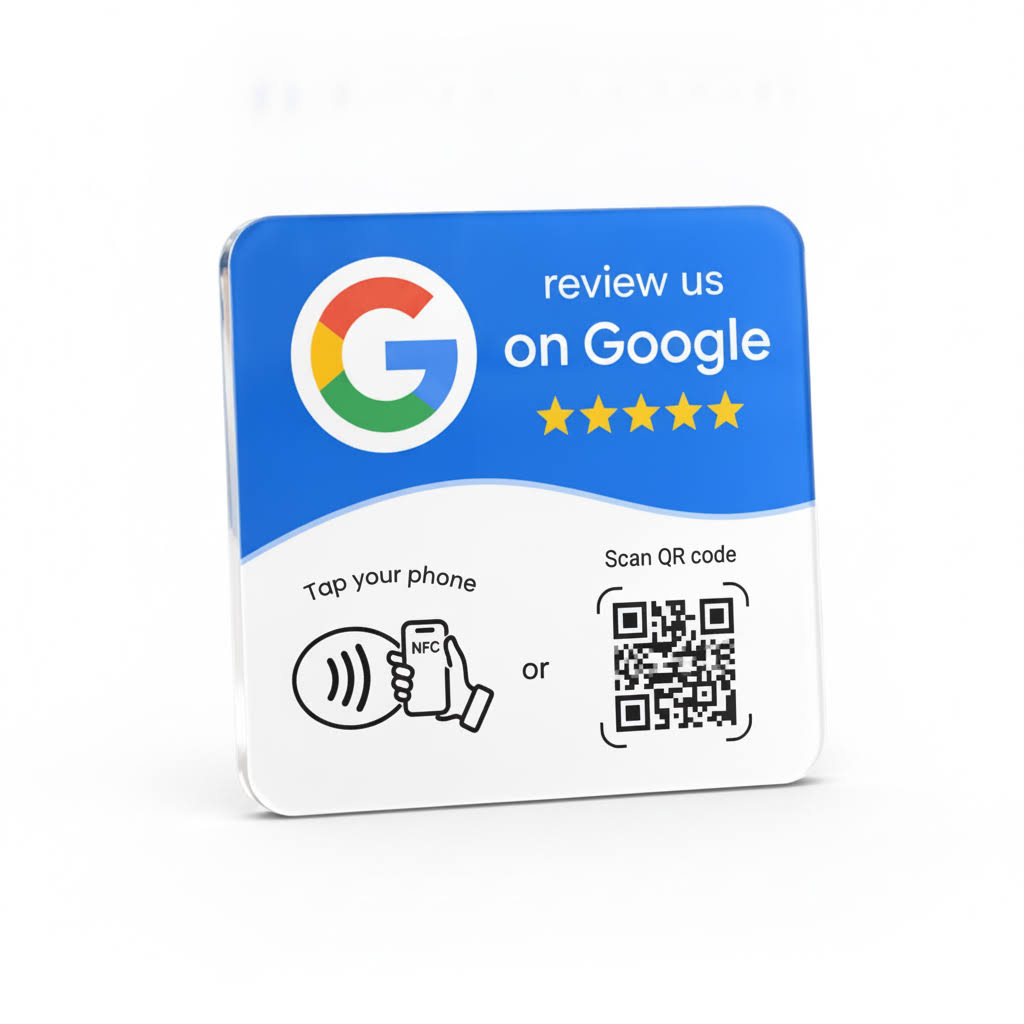
How Tap5 works for your team
Tell us your business name and address during checkout. Tap5 uses those details to identify the correct Google listing, programs the cards for one business location and tests the destination before dispatch.
Compatibility to explain clearly
A compatible NFC-enabled phone and internet access are required. The phone may need to be unlocked, and cases or physical distance can affect detection. No Tap5 app is required for the basic tap-to-web flow. Google may ask the customer to sign in.
Both the NFC tap and the printed QR code open your business’s Google review page. Your cards are prepared for the same business location before dispatch.
Genuine feedback, chosen by the customer
Tap5 opens the business’s Google review page. The customer independently chooses whether to leave a review and what rating or comments to submit. There are no guaranteed ratings or rankings.
Frequently asked questions
Where should a card go in a workshop?
Choose a clean front-office counter where customers collect paperwork. Keep it away from tools, heat and spills; check detection before fixing it in place.
When should we ask after a repair?
Explain the work and complete the handover first. Keep the feedback invitation optional, regardless of the customer’s sentiment.
Can the customer write after leaving?
Yes. Opening the page does not submit a review. They choose when to write, their rating and whether to submit.